
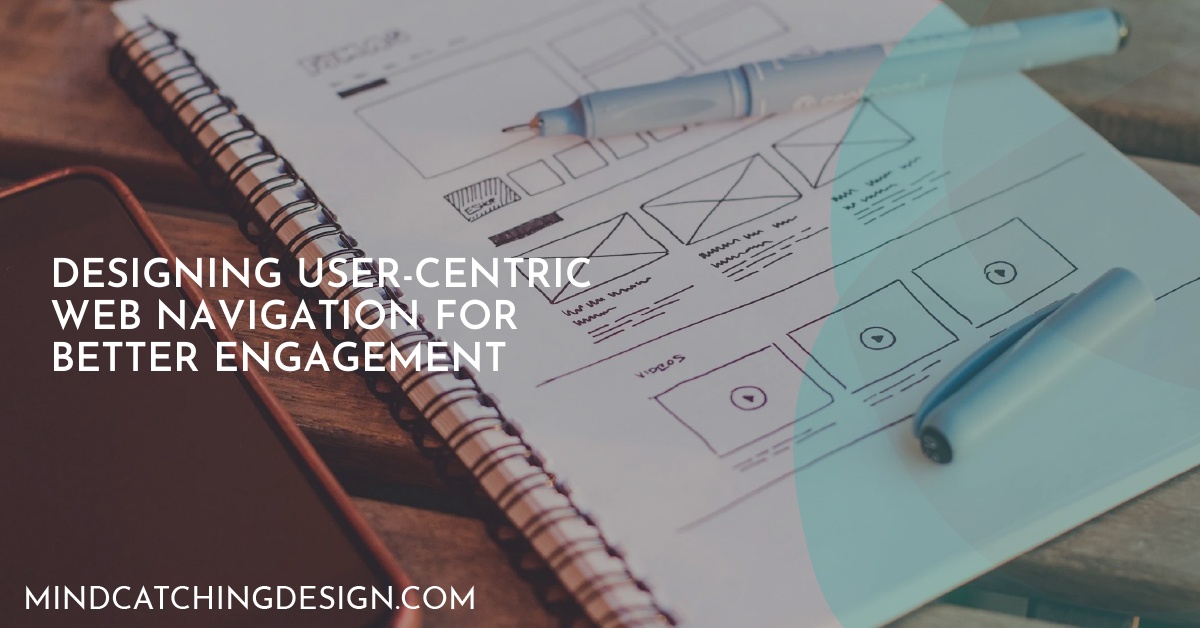
User-centric navigation is key to great web design. It makes websites easier to use and more fun for visitors. Studies show it boosts website usability, leading to more sales and happier customers.
Amazon’s site is a great example. It has simple navigation menus that make users happy. But, there are problems like too much complexity and accessibility issues. Designers can fix these by making navigation simpler and following accessibility rules.
The future of web navigation looks exciting. New tech like AI and voice interfaces will make it more personal and easy to use. To make websites better, designers should use clear labels, organize menus well, keep things consistent, and make sure they work on mobile devices. Following these tips can make websites more engaging and user-friendly.
Understanding User-Centric Navigation
User-centric navigation focuses on making web spaces easy for users. It ensures their experience is smooth and straightforward. The goal is to create structures that meet user needs, making navigation simple.
Designing navigation with the user in mind is key. A bad site design can scare off 88% of visitors. This shows how important it is to put the user first in navigation design.
Definition and Importance
User-centric navigation is all about understanding how users behave. When navigation matches user goals, it leads to a better experience. For example, mobile users might leave a site up to five times more if it’s not easy to use on their devices.
Also, over 90% of users don’t trust websites that are hard to navigate. So, making navigation effective is not just good, it’s necessary to keep users coming back.
User Goals and Navigation Design
Knowing what users want is the first step in creating good navigation. Users come to websites for different reasons, like finding products or information. Designers use methods like ethnographic studies and usability testing to figure out these goals.
Eye-tracking studies help designers see how users look at a site. This information helps improve layout and placement. Regular A/B testing lets designers try different designs to see what works best.
Designers also use user feedback and analytics to understand user behavior. This helps create a better experience and keeps users engaged. It leads to navigation that really meets user needs.
Designing User-Centric Web Navigation for Better Engagement
User-centric navigation is key to a better web experience. It helps businesses succeed by focusing on what users need. This approach boosts user satisfaction and keeps them engaged.
Benefits of User-Centric Navigation
User-centric navigation offers many benefits. Users want to find what they need fast and easy. When they can, they’re more likely to sign up or buy something.
This leads to more sales and loyal customers for businesses. Clear navigation also means fewer people leave a site quickly. This builds trust and keeps users coming back.
Adding personalized touches, like recommendations based on what users like, makes things even better. It makes users happier and more likely to interact with the site.
Real-World Examples
Some websites are great examples of good navigation. Amazon, for example, has a simple menu that makes it easy to find products. This shows how user-centric design helps users find what they need.
Google is another great example. It keeps things simple and lets users focus on their searches. This design makes users more engaged and satisfied. Websites like these attract and keep users, leading to success.
Best Practices for Effective Navigation Design
Designing for user-centric navigation means following some key best practices. Start by making sure your navigation menus are easy to understand. Use short and clear labels so users can find what they need fast. Almost 60% of global internet users check the navigation links and layout first, showing how important it is to organize well.
With about 55% of users browsing on mobile, making your site mobile-friendly is critical. Use designs that work well on small screens, like hamburger menus. Keep your menu simple with seven to eight categories to avoid confusing users. Also, add a search feature to help users find what they’re looking for quickly.
Visuals are also key in navigation. Use contrasting colors for menu items and keep categories and subcategories clear. This makes your site easier to use and more engaging. Always check how your design is working by using analytics and feedback. This ensures your site is easy for everyone to use, including those with disabilities.

Andrew Weston is a web designer based in Austin, Texas, and the creative force behind Mind-Catching Design. With a passion for creating high-quality visuals, Andrew ensures that every website not only captures the eyes but also engages the minds of visitors. Specializing in web design and development, Mind-Catching Design offers customizable solutions ideal for small businesses and startups, with negotiable rates to accommodate tight budgets.